Turn any image into a clean SVG with one API call
Send a PNG, JPG, or WebP. Get back a scalable vector with an exact color palette, smooth curves, and the transparent background kept intact. Built for print shops, apparel stores, and any app that needs artwork to print sharp at every size.
curl -X POST https://dtfwiz.com/api/v1/vectorize \
  -H "x-api-key: dtf_your_key_here" \
  -F "image=@logo.png" \
  -F "colors=auto" \
  -o logo.svg
Real output, straight from the API
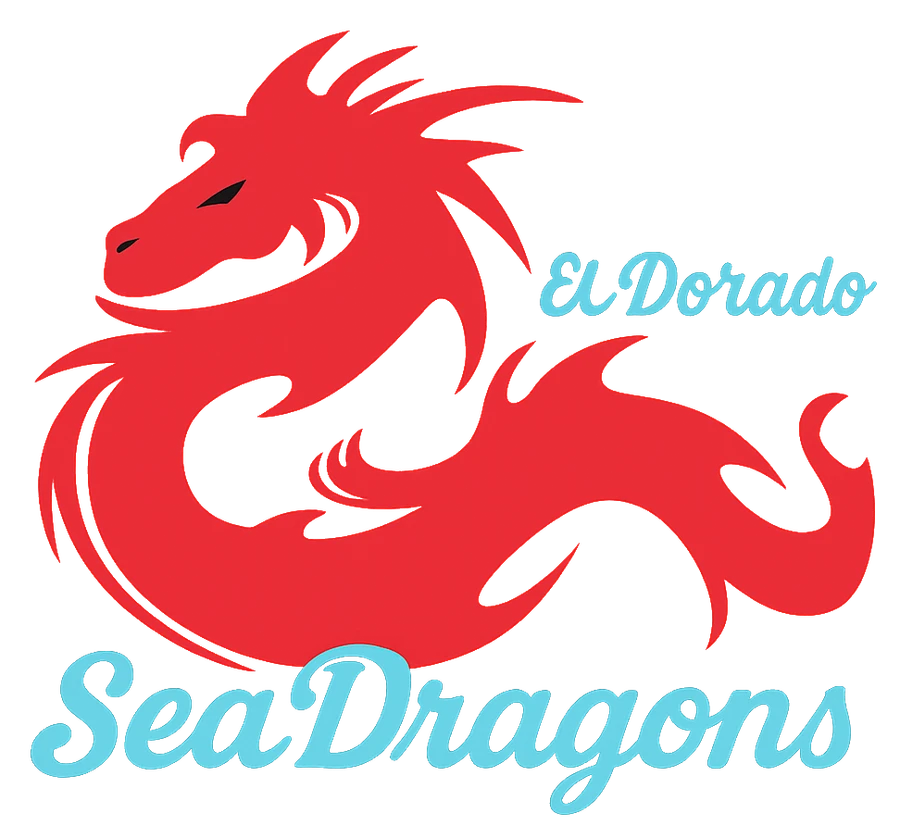
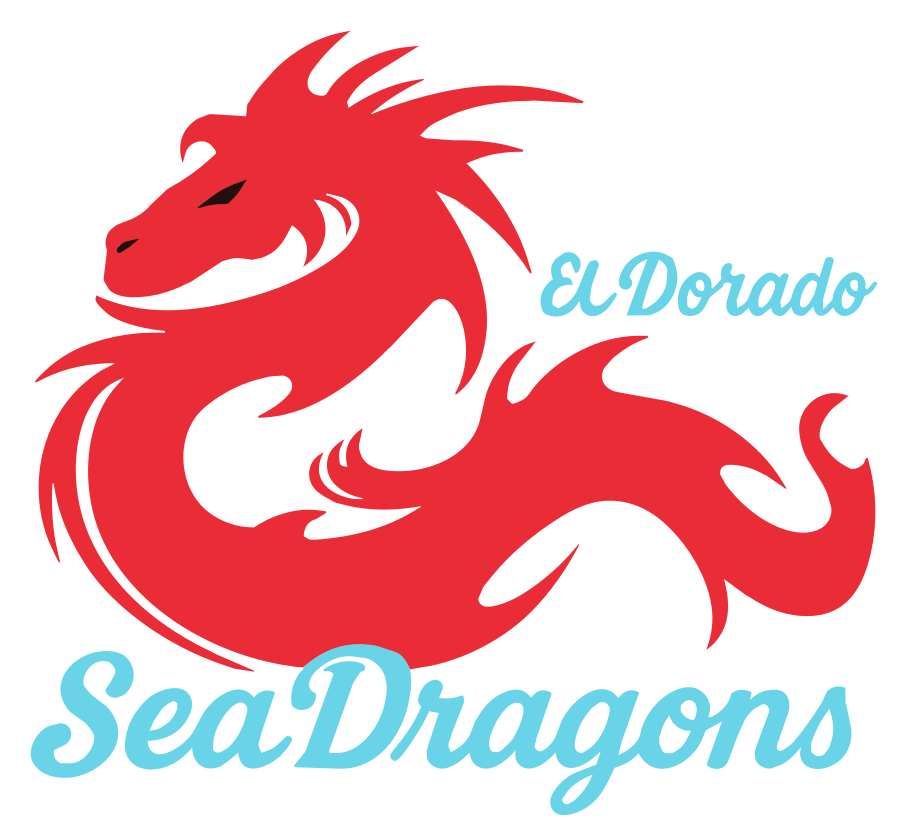
A 900-pixel PNG in. A 14 KB SVG with 4 exact colors out, no edits. Zoom in and the raster goes soft while the vector stays sharp, because it is made of curves instead of pixels.
What you get back
Exact colors, not thousands of shades
Auto mode finds the smallest palette that keeps the artwork true, so a three-color logo comes back as three colors. Force any count from 1 to 20 when you need to.
Smooth curves and real corners
Edges are fitted as curves and straight lines where the art has them, and corners stay sharp. Jagged pixel stairs and JPEG noise are cleaned before tracing.
Two shape styles
Stacked layers are easiest to recolor and edit in Illustrator or Inkscape. Cutout pieces never overlap, which is what cutters and plotters want.
Print sizing built in
Pass a print width in inches and the SVG opens at that physical size in design apps and RIP software, with nothing to rescale.
Predictable load
A GET call shows the live conversion line so your app can show a loader for a short wait or its own message when it is busy.
Plain REST, no SDK needed
One multipart POST, one SVG back. Works from any language that can send a form: server code, Shopify apps, Zapier-style tools, desktop scripts.
API reference
Every request needs your key in the x-api-key header (or Authorization: Bearer). Keys are checked on every call, so a key stops working the moment its plan lapses and starts again when the plan is reactivated.
POST/api/v1/vectorize
Converts one image. Send it as multipart/form-data.
| Field | Type | What it does |
|---|---|---|
| image | file, required | PNG, JPG, or WebP, up to 25MB. Transparent PNGs stay transparent in the SVG. |
| colors | string | "auto" (default) picks the smallest palette that keeps the art true. Or a number from 1 to 20 (1 gives a single-color silhouette), or "unlimited". |
| detail | string | "smoother", "balanced" (default), or "precise". Precise keeps sharp corners on small lettering. |
| shape_style | string | "stacked" (default): overlapping color layers, easiest to edit. "cutout": flat pieces that never overlap, best for cutting and plotters. |
| speck_size | number | Drop blobs smaller than this many pixels across, 0 to 16 (default 4). Stops stray dots from printing. |
| edge_cleanup | boolean | Default true. Cleans the semi-transparent edge pixels that otherwise trace as thin garbage shapes. |
| smooth_bands | boolean | Default true. Smooths the staircase edges where color bands meet. Only affects "unlimited" colors; every other mode always smooths. |
| gradients | boolean | Default false: every shape gets one solid color. "true" lets shaded or painted art use smooth gradient fills (logos and flat art never get them). |
| print_width_inches | number | Optional. Writes the SVG at a physical width so design apps and RIP software import it at print size. |
Response: the SVG document as the body, with Content-Type: image/svg+xml. Headers X-Paths, X-Colors-Used, X-Trace-Ms and X-Queue-Ms carry the stats. Allow at least 120 seconds before timing out.
GET/api/v1/vectorize
Returns the live conversion line. Conversions run one at a time, so check this before sending if your app wants to choose between a spinner and a "busy right now" message. It does not count against your daily limit.
curl https://dtfwiz.com/api/v1/vectorize \
  -H "x-api-key: dtf_your_key_here"

# {"queue":{"converting":true,"waiting":1,"max_waiting":3}}
Errors
Errors come back as JSON with an error string and, where your code might branch on it, a machine-readable code.
| 400 | The image field is missing or the file could not be read as an image. |
| 401 | No API key, or the key is invalid or revoked. |
| 402 | The key belongs to an account without an active Business plan (code "plan_inactive"). Reactivating the plan revives the same key. |
| 403 | The account is suspended. |
| 413 | The file is over 25MB (code "image_too_large"). |
| 429 | Either the key hit its daily limit, or the conversion line is full (code "queue_full", with the live queue attached). The error text is for your logs; show your users your own message. |
| 500 | The conversion failed. The response carries a readable error string. |
Who uses a vectorization API
Print shops and DTF printers. Customers send screenshots, 400-pixel logos, and JPEGs pulled off a website. Running every order through the API at intake turns that artwork into a vector before anyone opens a design app, so a left-chest logo and a full-back print come from the same sharp file.
Online stores and product builders. If shoppers upload their own art, you need it to print clean no matter what they send. Convert on upload, keep the SVG with the order, and your production team never has to chase a better file.
Cutting, engraving, and embroidery prep. Set colors to 1 for a single solid silhouette, or use cutout shapes so no piece overlaps another. Both are what vinyl cutters, lasers, and digitizing software expect.
Design and marketing tools. Offer "make this a vector" as a feature without building a tracer. The API handles the palette, curve fitting, and cleanup, and returns a standard SVG that opens in Illustrator, Inkscape, Affinity, Figma, and every major RIP.
Why automatic tracing usually disappoints
Most auto-trace tools treat every pixel shade as its own color and every stair-stepped edge as real detail. The result is a file with hundreds of near-identical colors, wobbly outlines, and thin slivers of gray wherever two colors blended in the original. It looks fine as a thumbnail and falls apart the moment you print it large or try to recolor it.
This engine was built for artwork that ends up on garments, where those flaws show. It picks colors the way a designer would, cleans the soft pixels along edges instead of tracing them, keeps corners sharp and straight lines straight, and removes the tiny specks that would otherwise print as stray dots. What comes back is a file you can hand to production as it is.
Frequently asked questions
What does the image to vector API return?+
A complete SVG document in the response body (Content-Type image/svg+xml), ready to save or pass straight to a design app, cutter, or RIP. Stats ride in headers: X-Paths, X-Colors-Used, X-Trace-Ms, and X-Queue-Ms.
How long does a conversion take?+
Most logos and illustrations convert in 3 to 15 seconds. Conversions run one at a time on our servers, so a busy moment can add a short wait. Use the GET endpoint to check the line before you send, and set your HTTP timeout to at least 120 seconds.
What kind of images convert best?+
Logos, lettering, mascots, clipart, and flat or lightly shaded illustrations. Low-resolution and JPEG files are fine: the converter cleans compression noise and jagged edges before tracing. Photos technically convert but produce thousands of small shapes, so they are rarely what you want in a vector.
Does the SVG keep transparent backgrounds?+
Yes. Transparent areas stay empty in the SVG, with no white box behind the design. Solid backgrounds are detected and traced as their own shape, so you can remove them in one step.
How do I get an API key and what does it cost?+
API access is included with the DTFWiz Business plan. Create a key from your account, send it in the x-api-key header, and the same key works for every DTFWiz endpoint: vectorize, scan, fix, background removal, upscale, and mockups.
Can I try the converter before paying for the API?+
Yes. The free converter on the vectorize page runs the same engine. Drop a file there to see exactly what the API will send back for your kind of artwork.
Is there a watermark on API output?+
No. SVGs returned by the API are clean and yours to use, resell, or print.
Start converting from your own app
API access comes with the Business plan, and one key covers vectorize plus every other DTFWiz endpoint.