Good art. Bad file. One upload fixes it.
Your design is good. Your file isn't, and that's what ruins transfers. DTFWiz scans your artwork for every issue that costs you a reprint, then fixes them in one click.
Scan is always free · No login to check your file · 3 free fixes a month
- fixes applied
- 87,000+fixes applied
- images made print-ready
- 18,800+images made print-ready
- shops & sellers
- 3,900+shops & sellers
design_final_v3.png
800 × 800 px · 72 DPI
Semi-transparent edge pixels
Will print as a white ghosting halo
White background detected
Will show as a solid box on dark shirts
Only 80 DPI at 10 inches wide
Will look blurry on the transfer
No stray pixels found
Artwork looks clean
15+
Print-correctness checks
300 DPI
What your RIP actually needs
4×
Rescue low-res customer files
Free
Scan before you commit
The same design, printed with 92% less ink
One real artwork file, run through two DTFWiz tools. Nothing below is a drawing or a simulation. It is the actual exported file at each step, with the measured ink coverage.
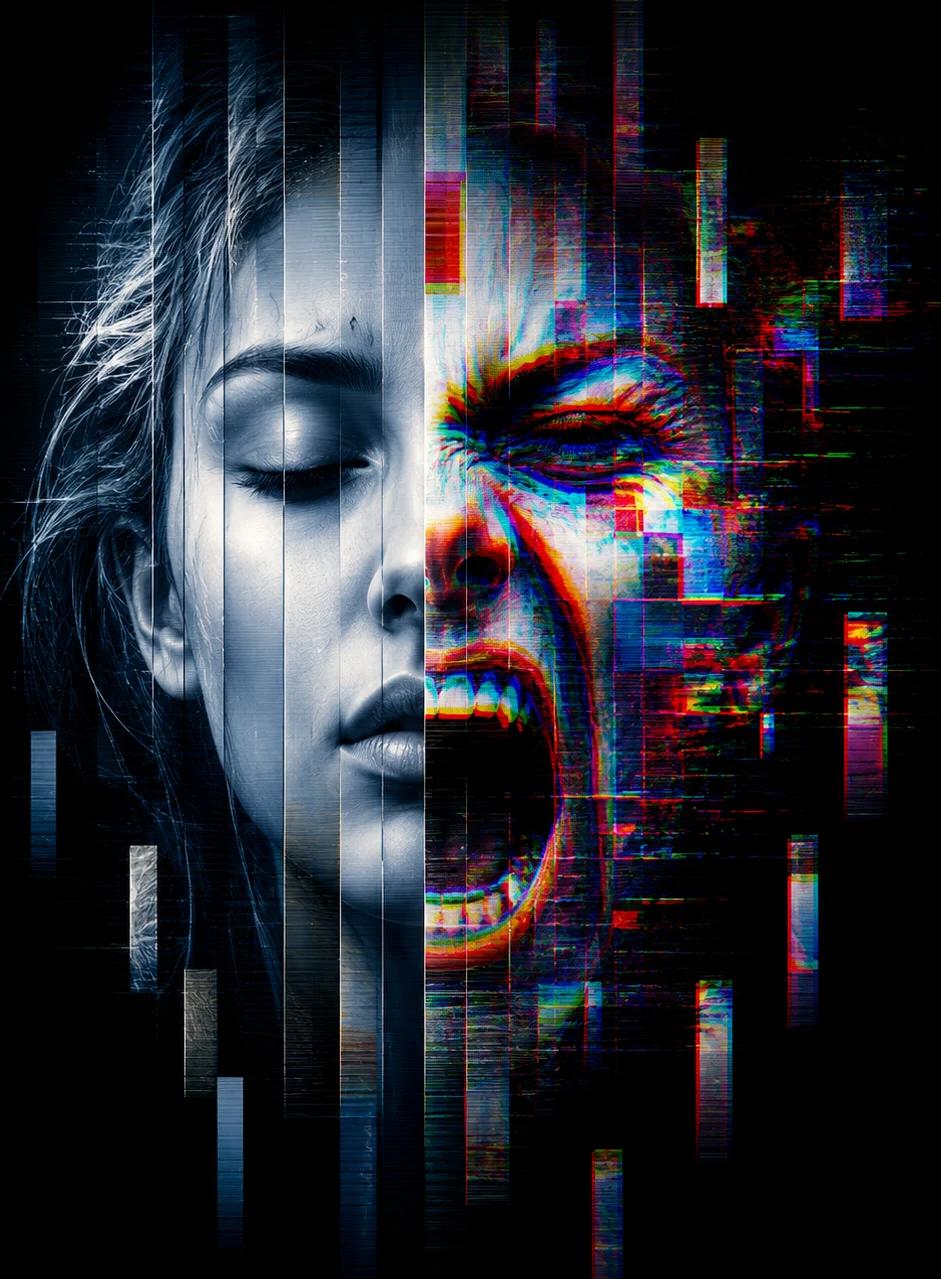
A solid black background baked into the file. Your printer lays down white underbase plus black ink across the whole rectangle.
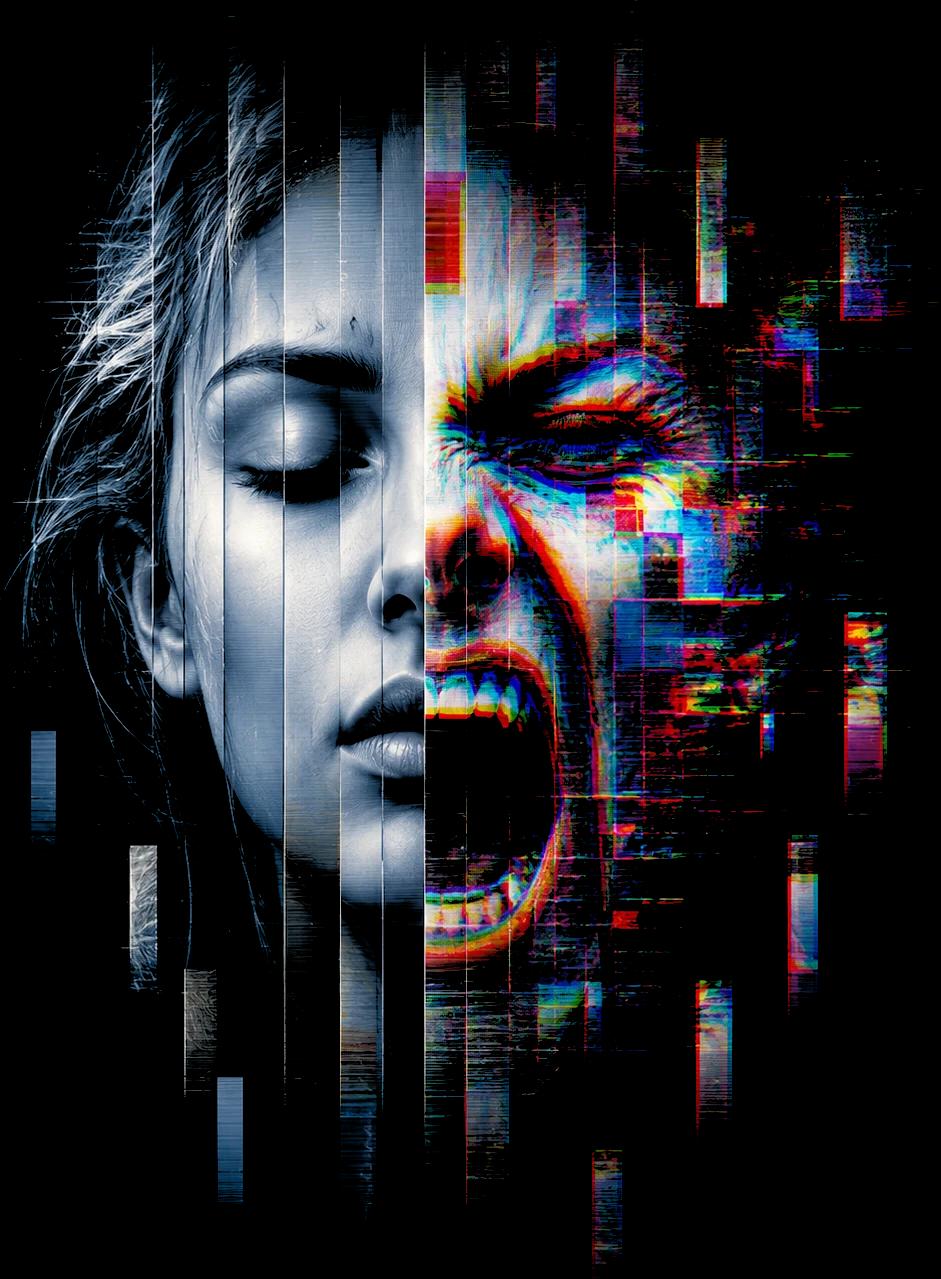
The black is gone and the artwork is untouched. Three quarters of the ink disappeared before you printed anything.
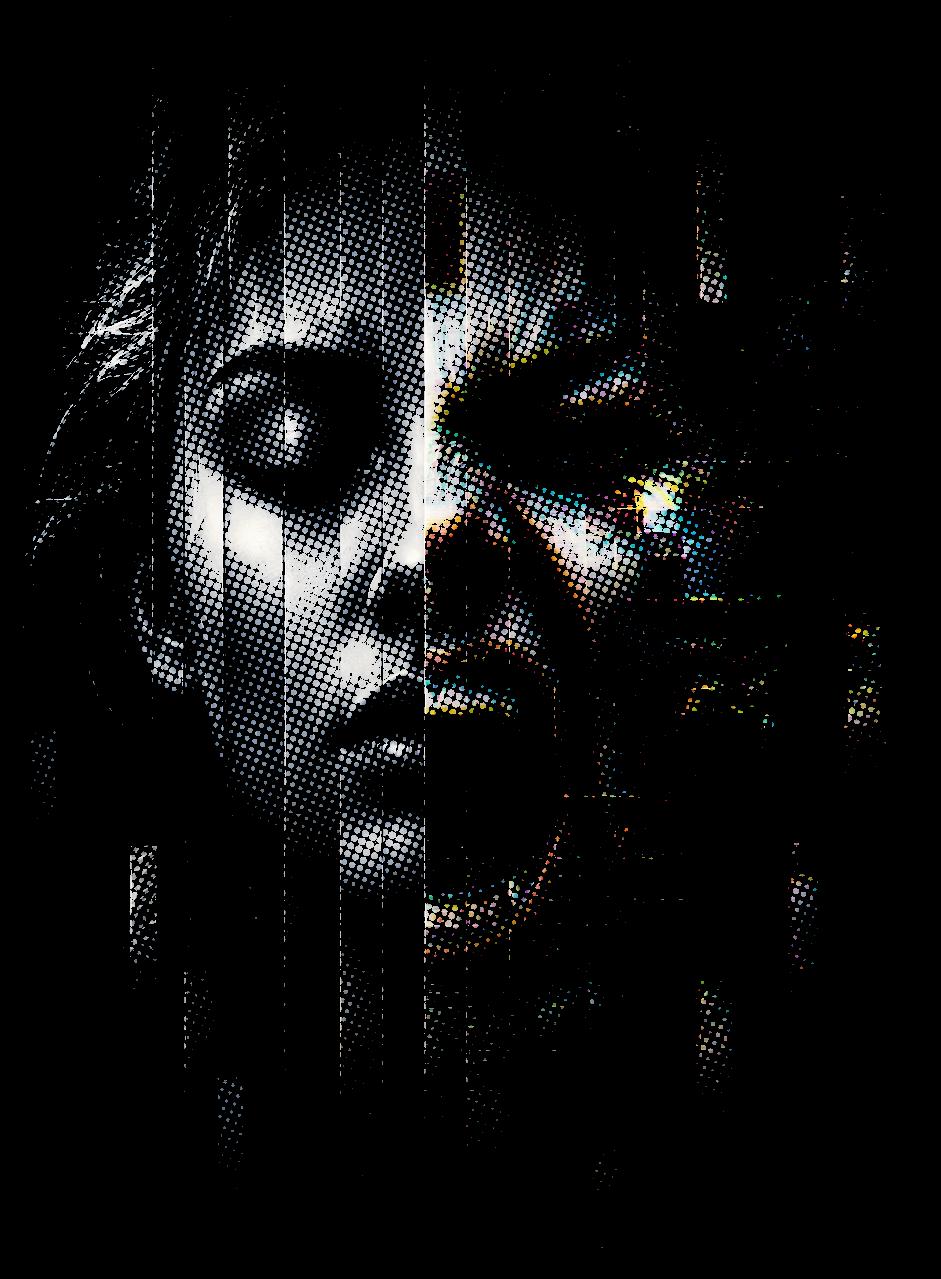
Solid areas become dots sized for a 300 DPI transfer. Soft hand feel, far less white underbase, classic screen-print look.
Cheaper to run
Measured coverage, not an estimate. Fewer grams of ink and powder on every single transfer you press.
You barely feel it
A slab of solid ink sits on top of the shirt like a patch and cracks as it ages. Thousands of tiny dots let the fabric breathe and move, so the print feels like part of the shirt instead of a sticker on it.
Real screen-print character
Dots give you the vintage, retail-shelf look that flat DTF slabs never get. Shading fades into the garment instead of stopping at a hard plastic edge.
 Solid ink
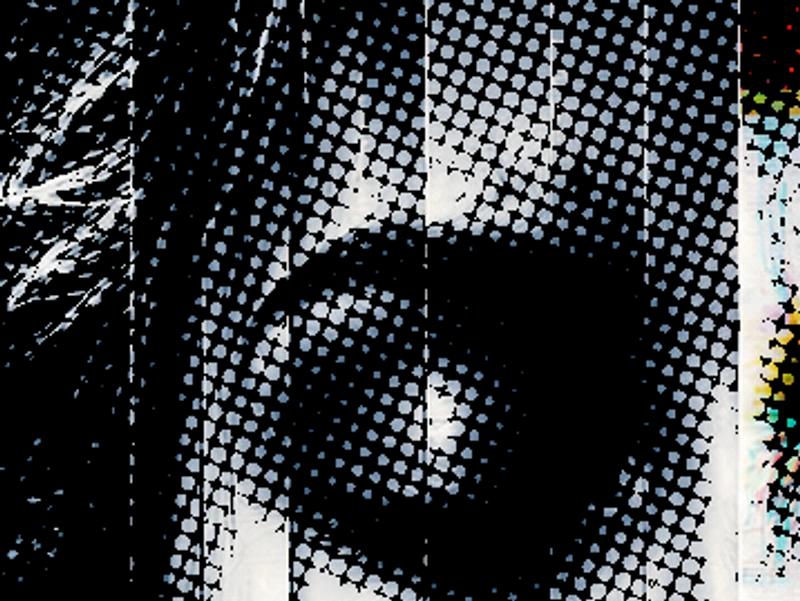 Halftone dots
Black backgrounds cost you twice
A black box prints white underbase plus black ink across the whole rectangle. Knock the black out and on a black shirt it looks identical, for a quarter of the ink.
Less white underbase
DTF lays white ink behind every visible pixel. Halftone shrinks what counts as visible, so the underbase shrinks with it. That is where most of the stiffness comes from.
Dots sized for your print
Set the print size in inches and the dots are calculated at the right physical size. Halftone at the wrong DPI and the dots blur back into unprintable haze.
Halftone is free to preview with no account. Color Knockout lives in the editor.
Customers send screenshots.
Send back real artwork.
A flattened logo grabbed off a phone, background and all, with the edges cut off. Redraw rebuilds it as clean art in one click. This is an actual customer file.
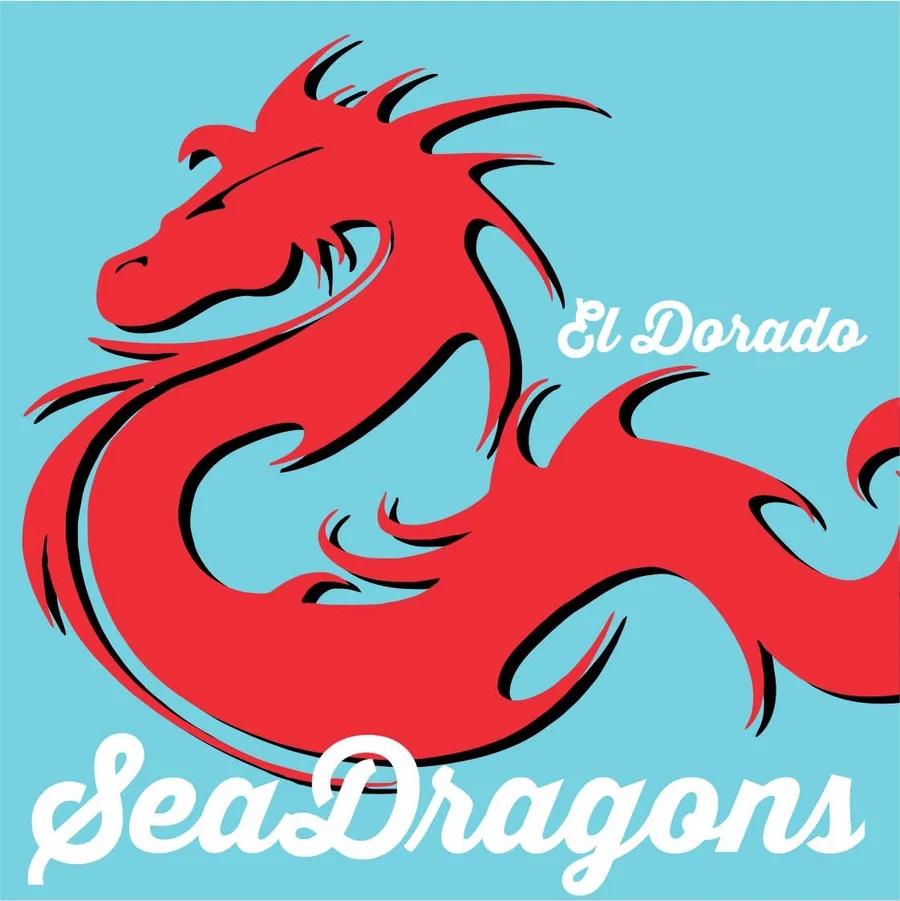
- ✕Background baked into the file
- ✕Tail and lettering clipped at the edges
- ✕Muddy doubled outlines
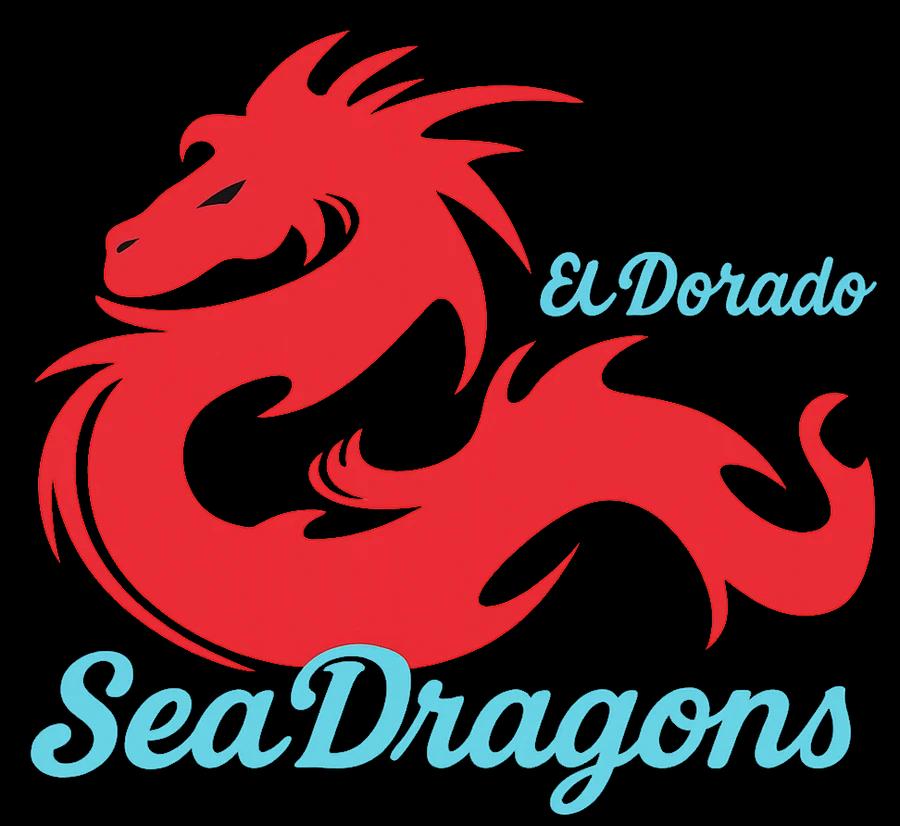
- Background gone, no blue box
- Composition rebuilt, nothing clipped
- Flat, separated colors
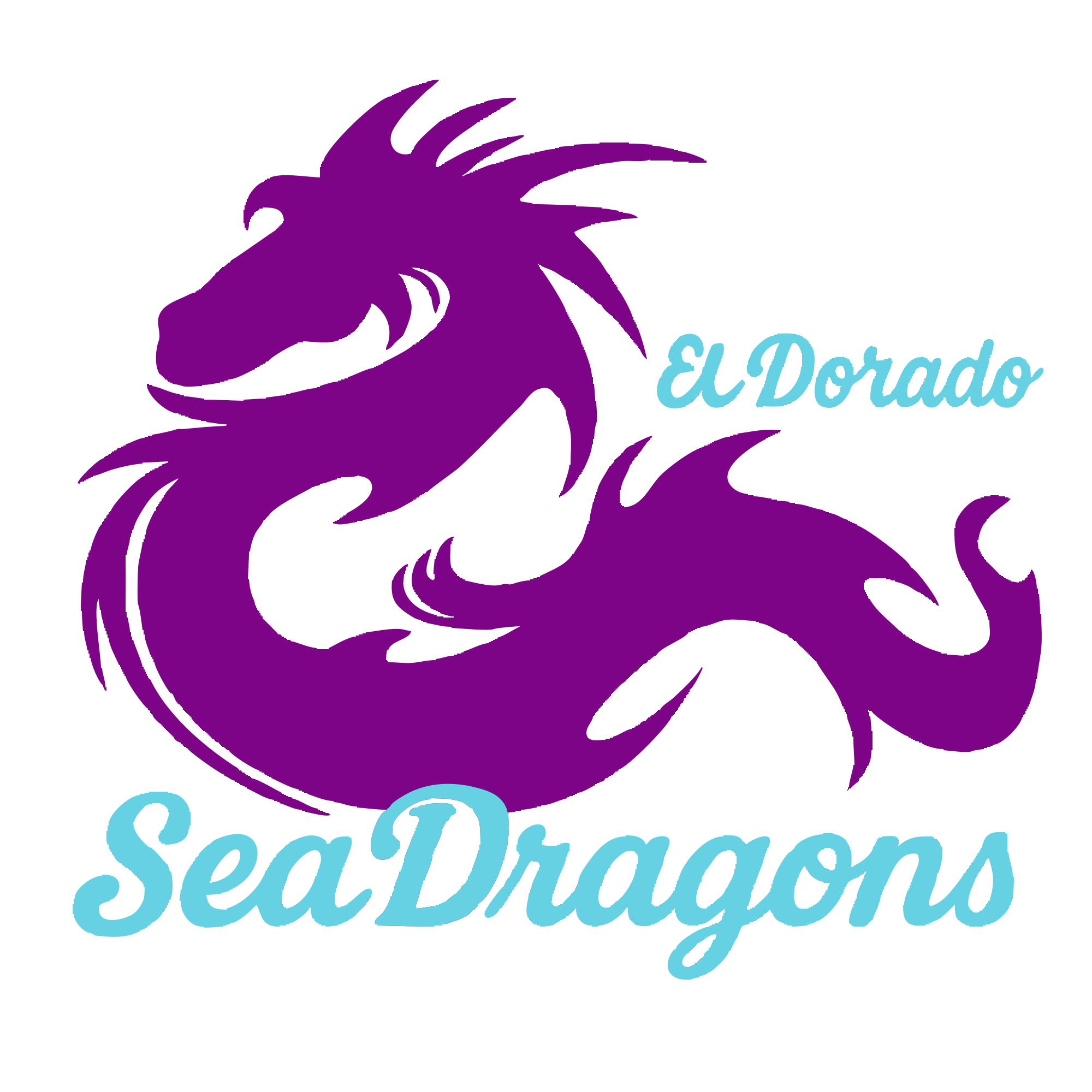
- Crisp at 4 inches or 40
- Dragon and lettering are separate shapes
- Recolored the whole dragon in one click
A vector is not just a bigger file
Tracing turns the art into shapes instead of pixels. Every color becomes its own editable layer you can click and change, edges stay razor sharp at any print size, and there are no soft pixels left for the white underbase to grab.
Any size, same file
Print it left chest or full back off one file. No upscaling, no blur, no re-buying art.
Colors become layers
Click the dragon, pick a new color, done. Same design in ten colorways without redrawing it.
Hard edges by default
Shapes have no anti-aliased fringe, so nothing bleeds into the underbase as white haze.
Redraw is one of 13 looks
Same one-click flow, different finish. Pick the look, upload the art, get it back transparent and ready to press.
Material
Embroidery
Stitched 3D thread
Puff Print
Raised 3D puff
Leather Patch
Debossed leather
Denim
Woven denim patch
Metallic
Liquid Chrome
Mirror Y2K metal
Solid Gold
Polished gold finish
Vintage Print
Faded cracked ink
Cartoon Sticker
Bold cartoon illustration
Pop Art
Retro comic halftone
Painterly
Oil Paint
Thick impasto strokes
Watercolor
Soft painted look
Glow
Neon Glow
Glowing neon tubes
One scan. One click. Print-perfect.
Other tools tell you a file has issues. We tell you exactly why. Upload any image. We handle everything else.
Upload your artwork
Drop a PNG, JPG, or WEBP at any size. No account needed to scan. Works on desktop and phone.
Instant scan & detect
In seconds, we identify every issue: semi-transparent edges, low DPI, white backgrounds, stray pixels. Each one comes with a plain-English explanation.
Apply fixes & download
One click runs the entire pipeline in the correct order. Download a 300 DPI PNG with metadata embedded, ready for your printer.
You designed it perfectly. Why does the print look wrong?
DTF printing is unforgiving. Issues that are invisible on screen become permanent flaws on every shirt you press.
White halo around your design
Semi-transparent pixels along the edges get filled with white DTF underbase ink, creating a visible ghosting ring around every transfer.
Blurry print at full size
A 500px image looks fine on your screen but prints at 1.6" wide at 300 DPI. Scale it to 12" and every pixel smears across the fabric.
White box on dark shirts
A white background that "disappears" on a white shirt prints as a hard white rectangle on navy, black, or any other color.
Every tool DTF printing demands
27 purpose-built tools, not a generic image editor. Every one of them is designed around how DTF transfers actually behave on the press.
Scan, detect, fix and download in one guided pass
Rebuild blurry or low-quality art as clean, sharp artwork
One-click background removal for clean transfers
AI 4× upscale. Rescue low-res customer files
Embroidery, puff, vintage, chrome and 8 more looks
Trace to SVG, then click any shape to recolor it
Ink-reduction dots sized correctly for your print
Drop one specific color out of the design entirely
Kills the white haze and ghosting halo on transfers
De-stairstep jagged edges so outlines stay crisp
Erase stray dots before they print on the shirt
Trim every pixel of blank space around the design
Click a piece of the design to move or delete it
Pick a color off the canvas and replace it, shading intact
Real fonts with outlines, dropped straight onto the art
Full palette, hex codes and ink coverage percentage
Adjust lightness so colors hold up on the press
Push saturation without blowing out the edges
Scale to exact inches at 300 DPI for the garment
Mirror and rotate without opening another app
Auto-pack designs onto a sheet, export print-ready
Run a whole folder of designs through the pipeline
Customer artwork intake, proofs and sign-off in one place
Drop your design onto real garment photos instantly
Print-ready lettering at 300 DPI, no account needed
Check whether your file holds up at your print size
Find detail too thin to survive the white underbase
Stop sending files your printer has to reject.
If you've ever gotten a message back saying your file has issues and had no idea what that meant, DTFWiz is for you. We scan your artwork and explain every problem in plain English, so you know exactly what to fix before it ever reaches the printer.
- No design experience needed. We explain everything
- Know what's wrong before your printer tells you
- Understand why it went wrong so it doesn't happen again
- Built for Etsy sellers, Canva users, and custom apparel shops
Semi-transparent edge pixels
These pixels are partly see-through. DTF fills them with white ink, which shows as a ghosting halo around your design on dark shirts.
Resolution too low: 72 DPI
Your file is 800px wide. At 10 inches that's only 80 DPI, far below the 300 DPI DTF needs. Every edge will look blurry on the finished transfer.
No stray pixels detected
No loose dots found outside your design, so nothing will print as a random speck on the shirt.
Start free. Print better.
Every plan includes the full editor and the AI tools. Paying raises your monthly allowance and unlocks the print-shop features. No token systems, ever.
Free
Forever free
- Artwork scan, always free
- 3 uploads / month
- Every editor tool included
- AI background removal and 4× upscale
- AI tools: 15 / day
- Halftone generator
- Gang sheet builder and mockups
Starter
per month
- Everything in Free
- 20 uploads / month
- AI tools: 25 / day
- Permanent image history
- Built for Etsy sellers
Pro
per month
- Everything in Starter
- 60 uploads / month
- AI tools: 100 / day
- Convert to Vector (SVG)
- Batch processing
- Jobs and customer proofs
Business
per month
- Everything in Pro
- Unlimited uploads
- Unlimited AI tools and vector conversion
- Larger batch runs
- API access for your own apps
- No DTFWiz badge on customer proofs
All plans include a free scan. No credit card required to get started, and you can cancel anytime. Pro and Business are also available billed yearly.
Common questions
Everything you need to know about DTF file prep.
What file format do I need for DTF printing?
DTF printing requires a high-resolution PNG with a transparent background, not a white one. The file should be at least 300 DPI at your intended print size. DTFWiz prepares your file to these exact requirements automatically and embeds the correct DPI metadata into the file so it opens at the right size in any app.
Why does my DTF transfer have a white halo or ghosting outline?
White halos are caused by semi-transparent pixels along the edges of your artwork. DTF printing uses a white ink underbase, so those semi-transparent pixels get filled with white ink and create a visible ghost ring around your design. DTFWiz's "Remove Transparent Pixels" tool eliminates these in one click and explains exactly why it matters.
What DPI should my DTF artwork file be?
DTF files should be 300 DPI at the intended print size. A 12"-wide design needs to be at least 3,600 pixels wide (12 × 300). If your artwork is too low resolution, DTFWiz's AI Resolution Boost upscales it 4× using Real-ESRGAN technology. You get sharp, clean edges instead of the blurry result standard scaling gives you.
What is a gang sheet in DTF printing and how does the builder work?
A gang sheet is a full 22"-wide print sheet packed with multiple designs to maximize every run. DTFWiz's gang sheet builder lets you drag, resize, and rotate designs on a virtual 22" sheet with smart auto-layout. Export one print-ready file with DPI metadata embedded, ready to hand off to your printer or RIP software.
Do I need design experience to use DTFWiz?
No. DTFWiz is built for Etsy sellers, custom apparel shops, and DTF customers who need files fixed, not graphic designers. The Make Print Ready flow automatically detects every issue and explains each one in plain English: what it is, what happens if you ignore it, and what the fix does. You learn as you go.
How is DTFWiz different from Photoshop or other tools?
General tools require you to already know what's wrong and how to fix it manually. DTFWiz is purpose-built for DTF. It knows exactly what DTF transfers require and automatically fixes those specific issues. It also explains every step in plain English, so even a first-time user can walk away understanding why their file had problems.
Do halftone dots really use less ink on a DTF transfer?
Yes, and the saving is large. Breaking a solid fill into dots means the printer only lays ink where a dot lands, and the white underbase shrinks with it because there are fewer visible pixels to back up. On a real design we measured ink coverage drop from 100% to 8% after knocking out the background and halftoning. The print also feels much softer, because a slab of solid ink sits on the shirt like a patch while a dot pattern lets the fabric breathe.
Can DTFWiz clean up a low-quality logo a customer sent me?
That is what AI Redraw is for. It takes a blurry screenshot, a compressed JPEG, or a logo grabbed off social media and rebuilds it as clean artwork with sharp lines, flat colors, and a transparent background. It is one click inside Gen Studio, and the result comes back ready to prep or press.
Can I convert an image to a vector (SVG) for printing?
Yes. Convert to Vector traces your artwork into scalable shapes, so the same file stays crisp whether you print it left chest or full back. Each color becomes its own editable shape, so you can click one and recolor it without redrawing anything. Vector conversion is included on Pro and unlimited on Business.
Does DTFWiz have an API I can build on?
Yes. The Print Ready API is a REST API that exposes the same engine as the web tools: scan a file and get a JSON quality report, apply fixes, remove backgrounds, upscale, convert to vector, or render a garment mockup. It is designed for Shopify stores, gang sheet builders, and fulfilment pipelines that need to check customer uploads automatically. API access requires an active Business plan, and entitlement is verified on every request. Full endpoint reference and curl examples are at /api-docs.
Is DTFWiz free to use?
Scanning your artwork is always free and needs no account. A free account includes a monthly allowance of fixes plus every editor tool, AI background removal, AI upscaling, the halftone generator, the gang sheet builder, and the mockup studio. Paid plans raise the monthly allowance and add vector conversion, batch processing, customer proofs, and API access.
Put DTFWiz inside your own app
Running a Shopify store, a gang sheet builder, or a fulfilment pipeline? The same engine behind these tools is available over a plain REST API. Scan a customer upload the moment it lands, fix it, vectorize it, or render a mockup, without a person touching the file.
- Scan returns a JSON verdict, not just a pass or fail
- Fix, remove background, upscale, vectorize, mockup
- Multipart in, finished PNG or SVG out
# Scan an upload before you print it
curl -X POST https://dtfwiz.com/api/v1/scan \
  -H "x-api-key: dtf_..." \
  -F "image=@artwork.png"

{ "dpi": 96, "background": "solid-white",
  "issues": ["low_resolution", "background"] }
Start wherever you are
Chasing one bad print, learning how DTF works, or just after a quick answer.
Fix a specific problem
You already know what went wrong on the last press.
Learn DTF properly
Plain-English guides, written for people who print.
Free tools, no account
Open one, drop a file in, get an answer.
Your next transfer should be perfect.
Upload your artwork and see every issue in seconds. No account required to scan. No credit card ever required to start.